How to Make Your First Beat (Free, in Your Browser)
Published
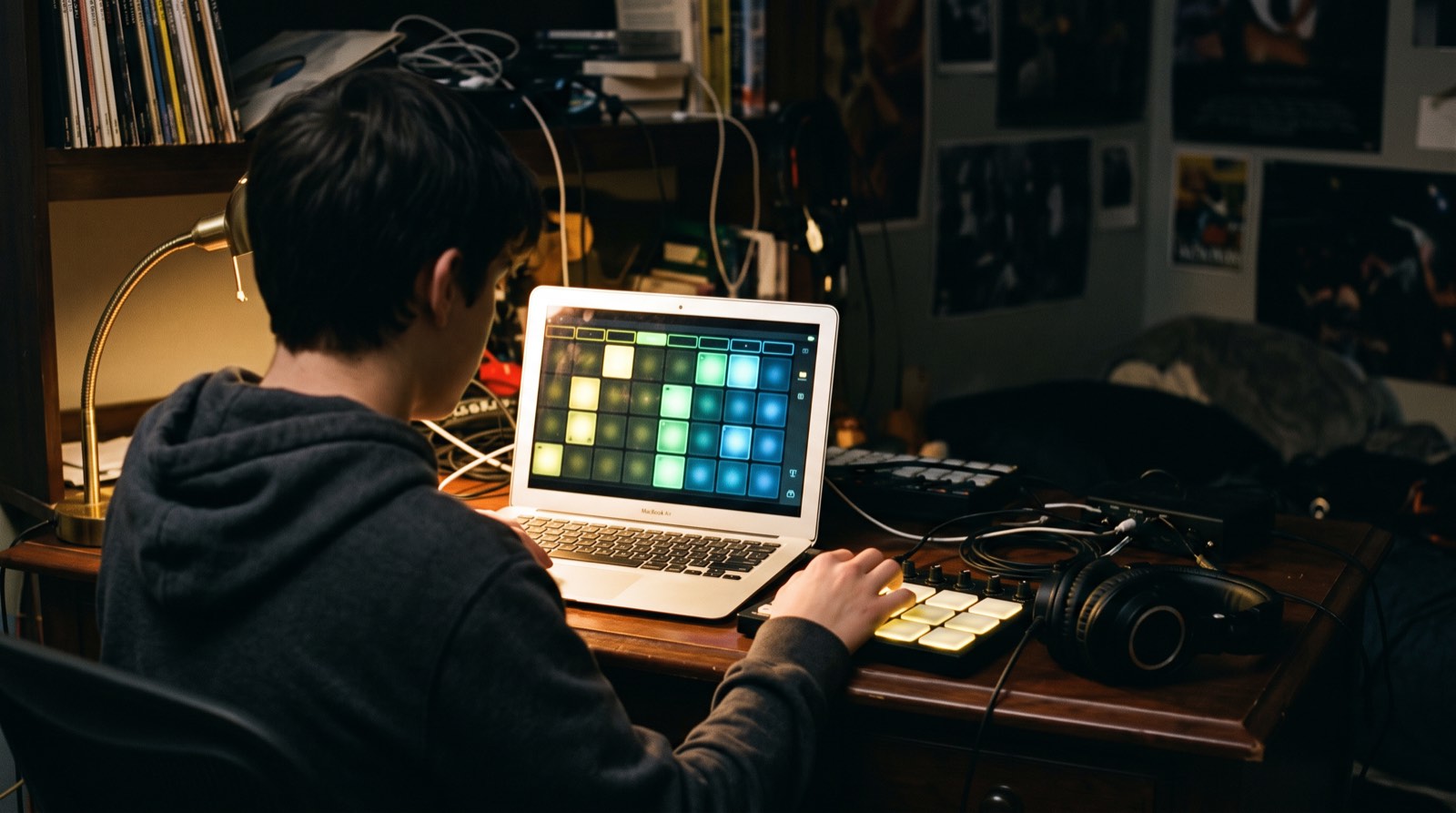
You do not need expensive gear to make your first beat. A laptop, a pair of headphones and a free music app that runs in your browser are enough. In this tutorial you will build a simple four-bar beat with drums, a bass line and a few chords, using Soundtrap, the online studio we use with our music production students. The same steps work in any music software.
Before you start
Make a free Soundtrap account and start a new project. Put your headphones on, because small laptop speakers hide most of the low end, and the low end is where a beat lives.
Two settings come first: the tempo and the key. The tempo is the speed of the beat, measured in beats per minute (BPM). It shapes the whole feel before you place a single sound. As a starting point, many hip hop beats sit around 85 to 95 BPM, R&B often sits between 70 and 80, and trap is usually written around 140 with a half-time feel. Pick one and stick with it for this beat. For the key, choose C major or A minor for now, because they use only the white keys and make the next steps easier.
Step 1: Build the drums
Add a new track and choose the drum pattern editor. In Soundtrap it is called Patterns Beatmaker, and you will find it with the drum and machine instruments. You will see a grid of sixteen squares in four groups of four. Each group is one beat, and each square is a sixteenth of a bar. Click a square to turn a sound on, click again to turn it off.
Start with the classic backbeat that sits under a huge amount of popular music:
- Kick drum on squares 1 and 9, the first and third beats.
- Snare or clap on squares 5 and 13, the second and fourth beats.
- Closed hi-hat on every other square: 1, 3, 5, 7 and so on, all the way to 15.
Press play and let it loop. It will sound plain, and that is fine. Now make it yours by changing one thing at a time. Move one kick to square 11, or add an extra kick on square 8. Try the hi-hat on every square for more energy. Listen after each change and keep only what makes you nod your head.
Step 2: Add a bass line
Add a new track with a bass instrument. A round, simple synth bass works well for a first beat. Play or draw a bass note that lands with the kick drum on beat one, and hold it. In C major, start on C. If you chose A minor, start on A.
A good first bass line uses only two or three notes and follows the kick. When the kick hits, the bass usually hits too. Leave space between notes, because a busy bass line fights with the drums. If clicking notes in feels fiddly, open the piano roll instead, where you can draw each note exactly where you want it.
Step 3: Add chords
Add a keys or pad track and play one chord per bar. If you are in C major, a simple four-chord loop is C major, G major, A minor and F major. Hold each chord for the whole bar. Keep the chords quieter than the drums and lower than you think, so they fill the background instead of grabbing attention.
If the chord notes clash with your bass, make the bass play the lowest note of each chord: C, then G, then A, then F. That one change usually makes everything lock together.
Step 4: Turn the loop into a beat
A loop that never changes gets boring fast. Copy your four bars a few times so you have sixteen bars, then make small changes. Drop the drums out for the first four bars so the beat has an intro. Take the hi-hat away for two bars, then bring it back. Add an extra snare hit at the end of every eighth bar as a mini fill. These small changes give a listener something to notice.
Step 5: Balance it and save it
Play the whole thing and adjust the volume of each track. A useful starting rule is that the kick and snare should be the loudest parts, the bass just under them, and the chords quietly underneath. When you are happy, export your beat as an audio file so you can share it. In Soundtrap that is File, then Export.
Common first-beat mistakes
- Too many sounds at once. Three or four parts played well beat ten parts fighting for space.
- Everything at full volume. If every track is loud, nothing stands out. Turn things down, not up.
- Changing the tempo halfway through. Pick it first and leave it.
- Never finishing. A finished simple beat teaches you more than ten unfinished complex ones.
Learn music production in Denver
Lessons start where you are, whether that is your first beat or a song you want to finish and release. Music 4 Humans teaches music production one on one, for teens and adults, at our recording studio in southwest Denver or online.
Tell us what you want to make and choose music production in the form, or read more about music lessons in Denver.
Common questions
Do I need a MIDI keyboard to make beats? You do not need one. You can click every note in with a mouse. A small keyboard makes it faster and more fun once you are hooked.
Is Soundtrap really free? Soundtrap has a free plan that runs in your web browser, which is enough for everything in this tutorial. Paid plans add extras like high-quality WAV downloads.
How long does it take to make a beat? Your first one might take an hour or two. With practice, a simple beat can come together in twenty minutes.